Taxes included.
3D Digital Luminous Alarm Clock
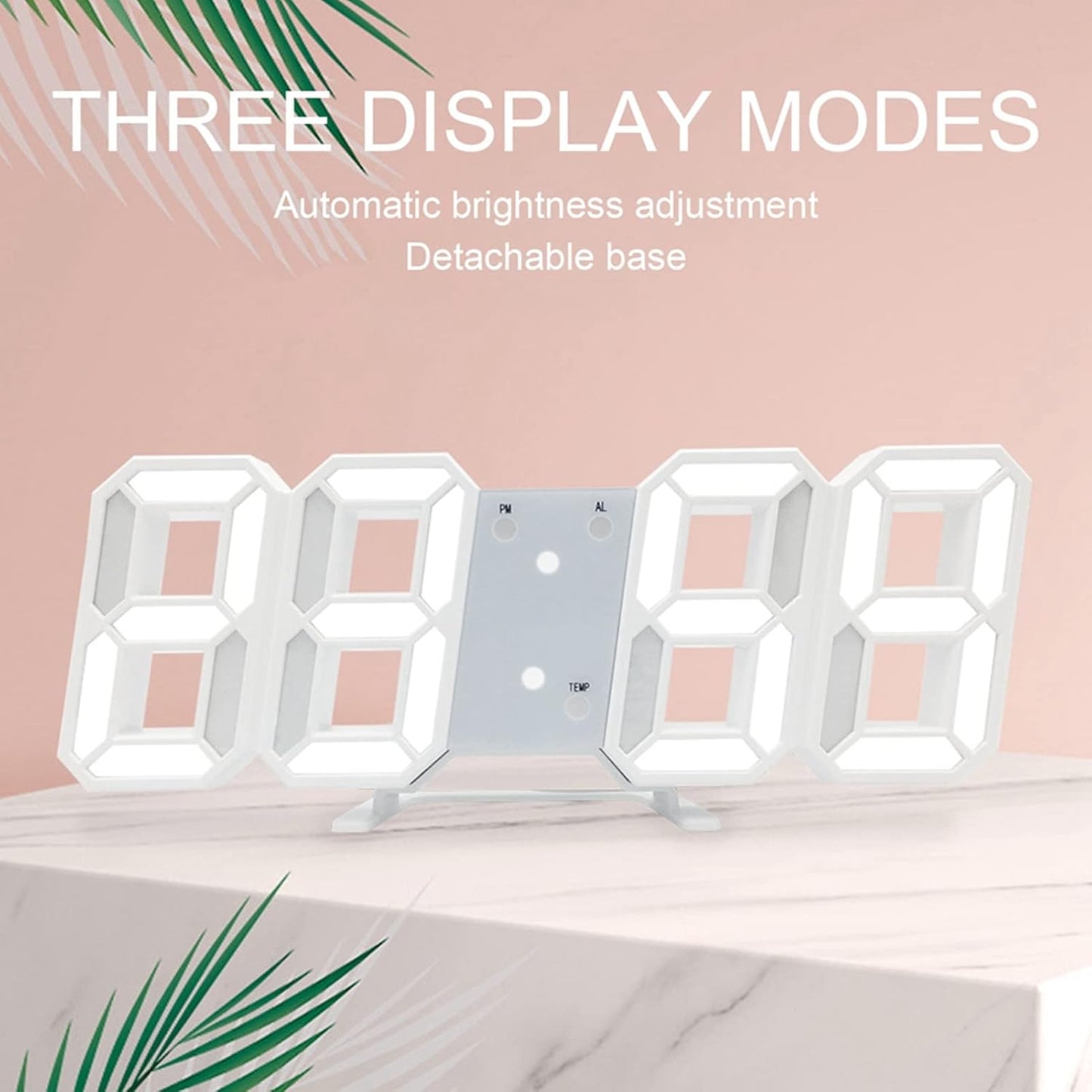
The 3D Digital Luminous Alarm Clock is more than just a timekeeper; it is a sophisticated smart accessory for contemporary interiors. Its vibrant LED glow and 3D design create a striking visual effect on any wall or desktop, while providing essential data like date and temperature at a glance. With its user-friendly 3-button setup and memory battery backup, this clock offers reliable, quiet performance. Perfect for adding a futuristic touch to your home decor, it ensures clear visibility and accurate time management every single day.
Product Benefits
-
Enhanced Visibility: Large, glowing 3D digits are readable from a long distance and in low-light conditions.
-
Modern Aesthetic: The minimalist "European architecture" inspired design acts as a stylish decorative piece for any room.
-
Eco-Friendly Performance: Energy-efficient LED technology powered by USB reduces the need for frequent battery changes.
-
Stress-Free Management: No ticking sounds and automatic dimming promote better sleep quality and a calmer workspace.
-
Reliable Settings: The memory battery ensures your alarm and time settings stay locked in even if the power cable is unplugged.
FAQs
1. Does the clock run on batteries?
No, the LED display requires constant USB power to function. The internal button battery is only used to store memory settings in case of a power interruption.
2. Can I hang it on the wall?
Yes, the clock features notches on the back for easy wall mounting. The desktop stand is fully removable for a flush, clean wall-mounted look.
3. Is it too bright for a bedroom?
The clock includes 3 adjustable brightness levels and an automatic dimming function that lowers intensity at night, making it comfortable for bedroom use.
4. How do I switch between Fahrenheit and Celsius?
While in temperature display mode, you can typically press and hold the UP button to toggle between °C and °F.
5. How do I turn off the alarm?
When the alarm sounds, you can press any button to snooze, or press and hold a specific button (usually MODE or SET) to turn the alarm off for the day.